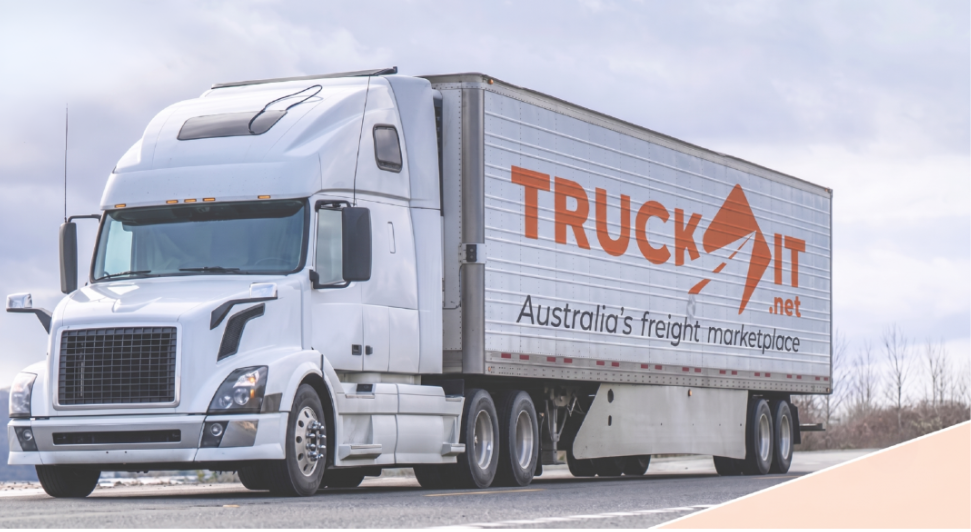


Rates Manager is live in your provider portal. Upload your pricing once and Truckit quotes on your behalf, instantly, 24/7, without you lifting a finger.
Every job you have missed because you were on the road, asleep, or too busy to respond is a job that went to someone else. Not because your price was wrong. Because your price was not there when the shipper needed it.
Rates Manager fixes that. Set your rates once. Truckit prices jobs against them automatically, in real time, every time a matching job is posted.

Before and after
| Before Rates Manager | With Rates Manager |
|---|---|
| 10 to 30 minutes per manual quote | Instant pricing in seconds |
| Inconsistent pricing across your team | Consistent, rule-based rates every time |
| Missed jobs when you were unavailable | 24/7 quoting, no missed leads |
| Hours updating spreadsheets and rate cards | Bulk updates in minutes via CSV |
How to get started
Five steps to go live. Start with your highest-volume routes and expand from there.
-
1Contact support@truckit.net to enable the rates manager
-
2Log in to your provider portal (on the website - not the app) at www.truckit.net/login
-
3Open Instant Rates Manager from your dashboard
-
4Upload rates via CSV or enter them manually. Category-specific templates are available to download. Columns are pre-configured. Fill in your origin, destination, and pricing.
-
5Review and adjust in the rates grid. Rates start as draft. Check everything before activating. Validate on 3 to 5 common routes to confirm accuracy.
-
6Activate to start serving instant quotes. From this point, Truckit quotes matching jobs automatically on your behalf.

What you can configure
Bulk CSV Upload
Upload hundreds of routes at once using category-specific templates. Pallets, cars, general freight, and containers all supported.
Zones and Depots
Build your own pricing zones by suburb or postcode. Link depots to zones for accurate door-to-door pricing across your network.
Flexible Rate Structures
Weight brackets, distance bands, and volumetric tiers. Set minimum and maximum prices per route.
Surcharges and Rules
Configure fuel levy, stair and lift fees, long-walk charges, and custom service types, all automatically applied at quote time.